Blog / AI image prompt examples
AI Image Prompt Examples You Can Copy and Adapt
AI image prompt examples with subject, style, lighting, and camera details. Adapt these patterns in Prompt Ustad templates for Midjourney and other image models.
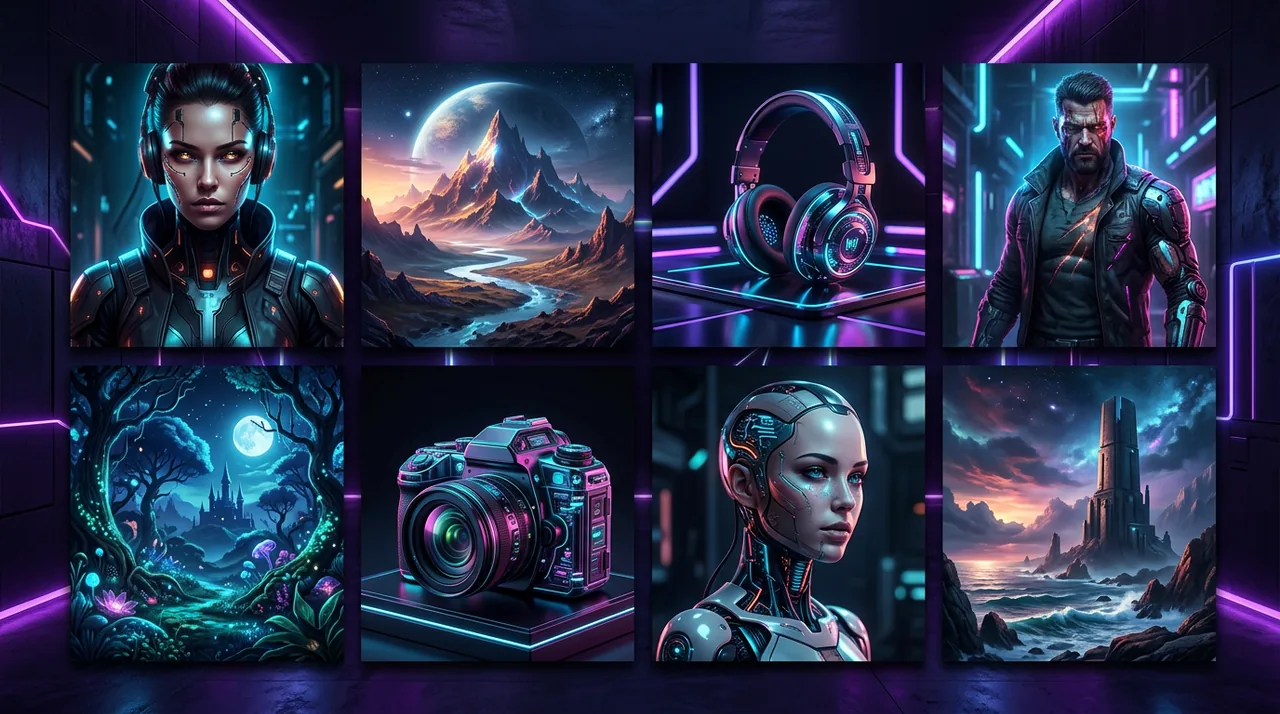
How to read an image prompt example
AI image prompt examples are teaching tools. Read them as blocks, not as magic strings. Subject first, then place, style, light, lens, and quality notes.
When you copy an example, change one block at a time so you learn which words move the image.
Store winners as templates at https://www.promptustad.com/prompt-templates with [SUBJECT] style variables.
Example: product on clean background
Prompt pattern: [PRODUCT] centered on a seamless [COLOR] background, soft studio lighting, subtle reflection, 85mm product photography look, sharp focus, commercial catalog style, no text, no watermark.
Use this for ecommerce heroes. Lock background color to brand guidelines.
If logos warp, simplify geometry in the subject description or composite the logo in post.
Example: lifestyle creator scene
Prompt pattern: Lifestyle photo of [PERSON_TYPE] using [PRODUCT] in [SETTING], natural window light, candid pose, shallow depth of field, warm color grade, social media ready, authentic mood, avoid stock-model smile clichés.
Specify wardrobe colors if brand kits exist. Keep props minimal.
Pair with caption templates when the final deliverable is a social post.
Example: YouTube thumbnail frame
Prompt pattern: High contrast thumbnail scene of [TOPIC], expressive face on the left third, bold simple background, space on the right for text, dramatic key light, sharp focus, 16:9 composition, avoid tiny details.
Generate the image, then add text in your editor. Asking models to render perfect words often fails.
See the YouTube thumbnail prompts guide on the Prompt Ustad blog for caption and layout pairing.
Example: editorial portrait
Prompt pattern: Editorial portrait of [SUBJECT], [LENS] look, [LIGHTING] setup, neutral expression, detailed skin texture, magazine cover framing, muted palette, no heavy beauty filters.
Portraits need careful review for artifacts. Always inspect hands and eyes.
Check license if you download similar looks from https://www.promptustad.com/ai-stock instead of generating.
Example: abstract brand background
Prompt pattern: Abstract background in [BRAND_COLORS], soft gradients, gentle geometric shapes, lots of negative space for UI overlay, 4k, clean, no text, no logos.
Great for landing pages and presentation covers.
Keep contrast accessible when text will sit on top.
Turning examples into a library
After five successful generations, convert the pattern into a Midjourney or image-model template with brackets.
Name templates by outcome: product-clean, lifestyle-desk, thumb-react, portrait-editorial.
Share with freelancers via a brief that includes two sample outputs per template.
When to generate vs download stock
Generate when you need a unique composition. Download stock when speed and license clarity matter more than novelty.
Prompt Ustad AI Stock helps when campaigns need approved assets quickly.
Many teams do both: stock for volume, custom prompts for signature frames.
Plans while you practice
Practice on Free at $0 with unlimited free images, free prompts, and 100+ paid assets. Move to Pro at $9.99/mo for unlimited access when production ramps, or Enterprise for a team account with 10 users. See pricing for current plan details.
Pricing page: https://www.promptustad.com/pricing. FAQ: https://www.promptustad.com/faq.
Examples only help if you run them. Pick one pattern and produce three variants today.
Quality bar for publish
Reject images with unreadable text, broken hands, or off-brand color casts.
Keep a do-not-use folder so the team learns from failures.
Hire help at https://www.promptustad.com/freelancers when you need a full branded pack beyond examples.