Blog / YouTube thumbnail prompts
YouTube Thumbnail AI Prompts: Contrast, Faces, and Text Space
YouTube thumbnail AI prompts for bold subjects, contrast, and text space. Structure Midjourney and DALL-E prompts that pop in search and suggested feeds.
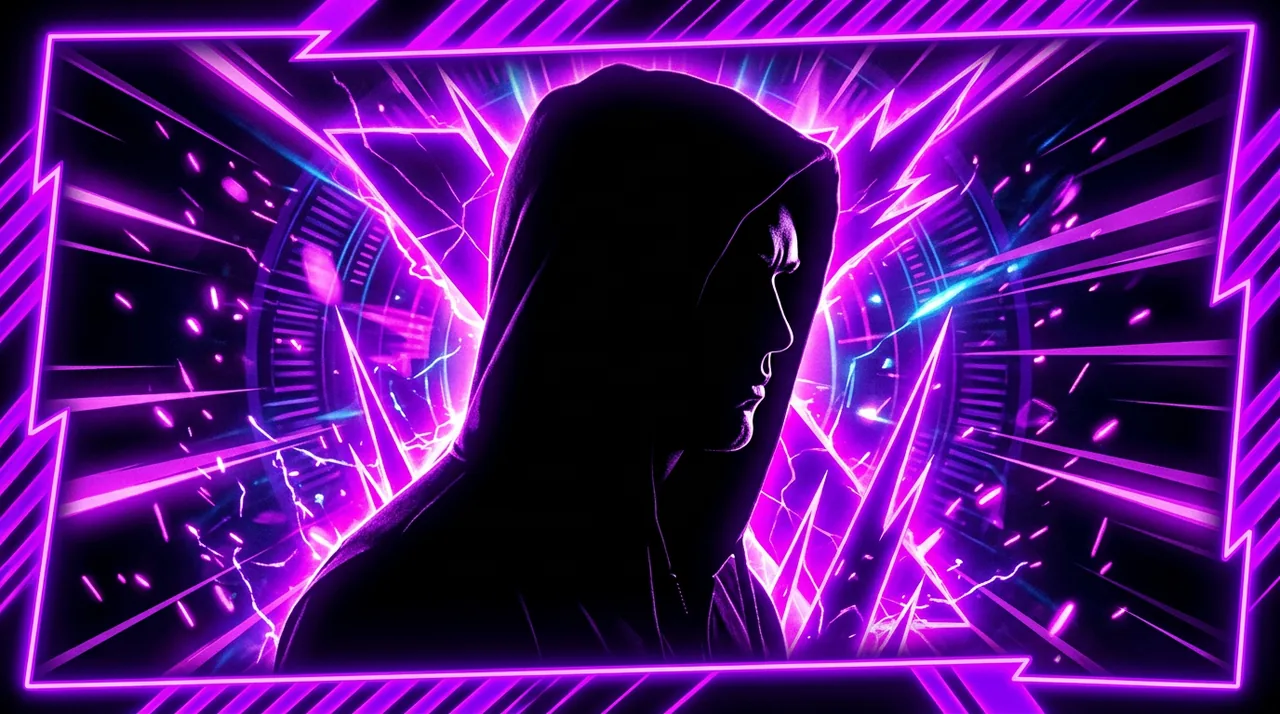
What makes a thumbnail prompt different
YouTube thumbnails are small on mobile. Your prompt must prioritize one clear subject, high contrast, and readable negative space for title text overlay.
Generic image prompts produce pretty art that fails at thumbnail size. Thumbnail prompts add composition rules: face fills lower two thirds, background simple, one accent color.
Name the video topic early in the token order so the model weights the main subject before decorative style words.
Recommended prompt token order
Start with subject and emotion: surprised creator pointing at laptop screen showing graph. Add style: bold YouTube thumbnail, high saturation, studio lighting. Add composition: face large in frame, negative space top left for text. End with parameters and negatives: no watermark, no gibberish text, no clutter.
This order mirrors the Midjourney structure guide: subject first, style and lighting next, composition and exclusions last.
Keep a personal suffix block for negatives you reuse every run: no extra fingers, no muddy background, no tiny faces.
Faces, expressions, and eye contact
Faces with clear expressions outperform abstract concepts in most niches. Prompt for exaggerated surprise, curiosity, or confidence when it fits your channel voice.
Specify eye direction toward the focal object or camera. Eyes guide viewer attention in a crowded home feed.
For faceless channels, substitute a bold object with rim lighting and one contrasting color block instead of a portrait.
Color contrast and background control
Limit the palette: one subject color against a complementary background. Busy gradients blur together at thumbnail scale.
Ask for soft blurred background or solid color backdrop when you need text overlay legibility.
Test two background variants in one session by changing only the background line in the prompt log.
Leaving room for title text
Say where text will sit: empty space on left third, or top banner area clear. Models otherwise fill every pixel with detail.
Avoid asking the model to render long titles inside the image. AI text often looks wrong. Generate clean art and add typography in Canva or Photoshop.
Negative prompts like no text, no letters reduce gibberish overlays that compete with your real title.
Niche-specific thumbnail prompts
Tech reviews: product hero plus reaction face. Tutorials: before and after split frame. Finance: bold numbers as props without asking the model to typeset digits perfectly.
Adapt one master skeleton per niche and swap subject tokens per video. Consistency builds channel recognition over time.
Log which prompts produced click-worthy frames in your analytics notes even though CTR depends on more than art alone.
Midjourney and other image tools
Midjourney reads early tokens with more weight. Put subject and expression before style adjectives. Use aspect ratio flags suited for YouTube covers.
Other generators follow similar rules: specific subject, simple background, strong lighting, explicit exclusions.
When generation time is tight, browse finished visuals on https://www.promptustad.com/ai-stock and check license labels before publishing.
Templates and prompt libraries
Thumbnail prompt templates at https://www.promptustad.com/prompt-templates give copy-ready skeletons with bracket variables for subject and mood.
Fork a template per series on your channel so episode thumbnails feel related without looking identical.
Combine template text prompts with stock downloads when you need a background or prop image faster than generation allows.
Iteration workflow before upload
Generate four variants, shrink previews to phone size, and pick the readable one. If none work, fix one layer: face size, background, or contrast.
Add title text in your editor and re-check legibility. A thumbnail that works without text often fails once bold type covers it.
Save prompt logs beside exported PNGs so you can reproduce a winning style for the next video in a series.
Hiring thumbnail specialists
Agencies and high-volume creators sometimes hire thumbnail artists on https://www.promptustad.com/freelancers with packages for prompt plus retouch deliverables.
Brief with channel examples, aspect ratio, text safe zones, and brand colors. Ask for layered files when you need weekly edits.
Freelancer packs can include both image prompt recipes and finished exports when your team lacks design time.