Blog / video AI prompts
AI Video Prompt Examples for Short Clips and Stories
AI video prompt examples with subject, motion, camera, and duration controls. Adapt these patterns for short clips, then pair with Prompt Ustad templates and stock.
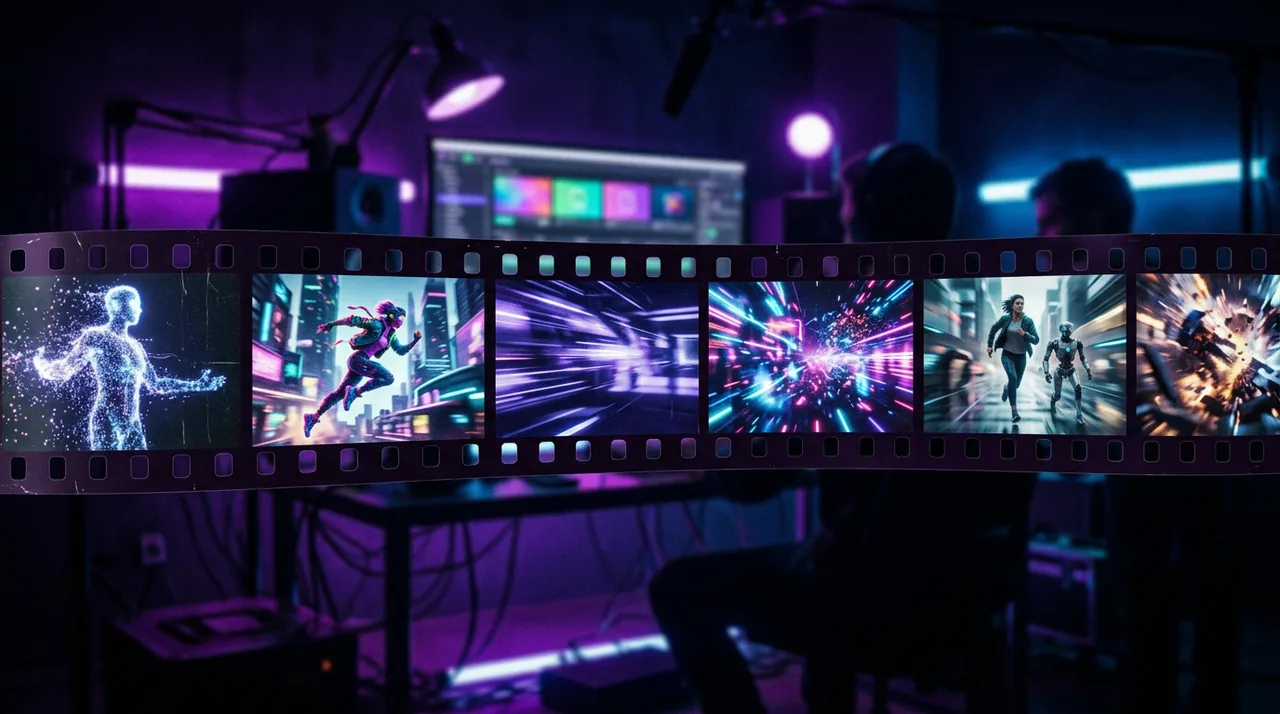
Video prompts need motion language
Video AI prompts fail when they read like still image captions. Tools need subject, action, camera move, pacing, and a clear end state.
Start with one shot. Multi-shot stories work better as a sequence of short prompts than one overloaded paragraph.
Prompt Ustad helps you store reusable video-ready skeletons in https://www.promptustad.com/prompt-templates and pair frames with licensed stills from https://www.promptustad.com/ai-stock.
Core blocks for a video prompt
Subject: who or what is on screen. Action: what changes during the clip. Setting: place and time. Camera: push in, orbit, static, handheld. Style: cinematic, product demo, social vertical. Constraints: no text overlays, no brand logos unless provided.
Add duration intent even if the tool ignores exact seconds. Phrases like short loop or five second product spin guide pacing.
Keep one primary action. Competing motions confuse models and create jittery results.
Example: product spin clip
Pattern: Slow 360 degree turntable spin of [PRODUCT] on a clean [COLOR] seamless background, soft studio lights, sharp focus, commercial product video, no text, no hands.
Use this for ecommerce detail pages. Keep background empty so editors can composite later.
If reflections look noisy, simplify materials in the prompt and regenerate instead of stacking adjectives.
Example: lifestyle walk-and-talk
Pattern: Medium shot of [PERSON_TYPE] walking through [SETTING], natural daylight, gentle handheld camera following from the side, authentic mood, soft color grade, social vertical framing, no dialogue text on screen.
Specify wardrobe colors from your brand kit. Avoid naming celebrities.
Pair the clip with caption templates when the deliverable is a Reel or Short.
Example: YouTube intro atmosphere
Pattern: Wide establishing shot of [SCENE], slow push in, cinematic lighting, subtle particle atmosphere, space for lower third later, 16:9, high detail, avoid tiny unreadable signs.
Generate atmosphere, then add titles in your editor. Asking models to render perfect text often fails.
Use thumbnail prompts from the Prompt Ustad YouTube guide for the still that represents the video.
Example: before and after transition
Pattern: Split timeline feel: left side messy [BEFORE_SCENE], right side clean [AFTER_SCENE], smooth wipe transition, bright practical lighting, educational demo style, no logos.
Keep both sides visually comparable so the transition reads clearly on mobile.
For tutorials, record real UI separately and use AI only for B-roll if accuracy matters.
Storyboarding multi-clip videos
Write a three row table: shot number, prompt, on-screen goal. Generate clips separately, then stitch in your editor.
Reuse camera language across shots so the final cut feels like one production.
When you need custom storyboards, hire via https://www.promptustad.com/freelancers with the table attached.
Quality checks before publish
Watch for morphing hands, flickering edges, and identity drift across frames. Reject clips that need more cleanup than they save.
Confirm aspect ratio for Shorts, Reels, or landscape embeds before export.
Keep license notes if you mix AI stock stills into the timeline.
Plans while you experiment
Practice workflows on Free at $0 with Free plan access. Upgrade to Pro at $9.99/mo for unlimited access when production volume rises, or Enterprise for a team account with 10 users.
See https://www.promptustad.com/pricing and https://www.promptustad.com/faq for plan details.
Save every winning video prompt as a bracket template the same day you approve a clip.
Next steps
Pick one example above and generate three variants with different [SETTING] values only.
Keep the best variant as v1 in your library, then add motion notes from failures.
Expand with image prompt examples when you need matching stills for covers and thumbnails.